Transit Project

Your city's trains, buses and planes, live on any screen.

A self-contained departure board for your wall. It runs entirely in the browser and talks straight to public transit feeds — no server, no subscription, nothing to expire. Pin it to a tablet, a TV, a Raspberry Pi, or an old Facebook Portal.
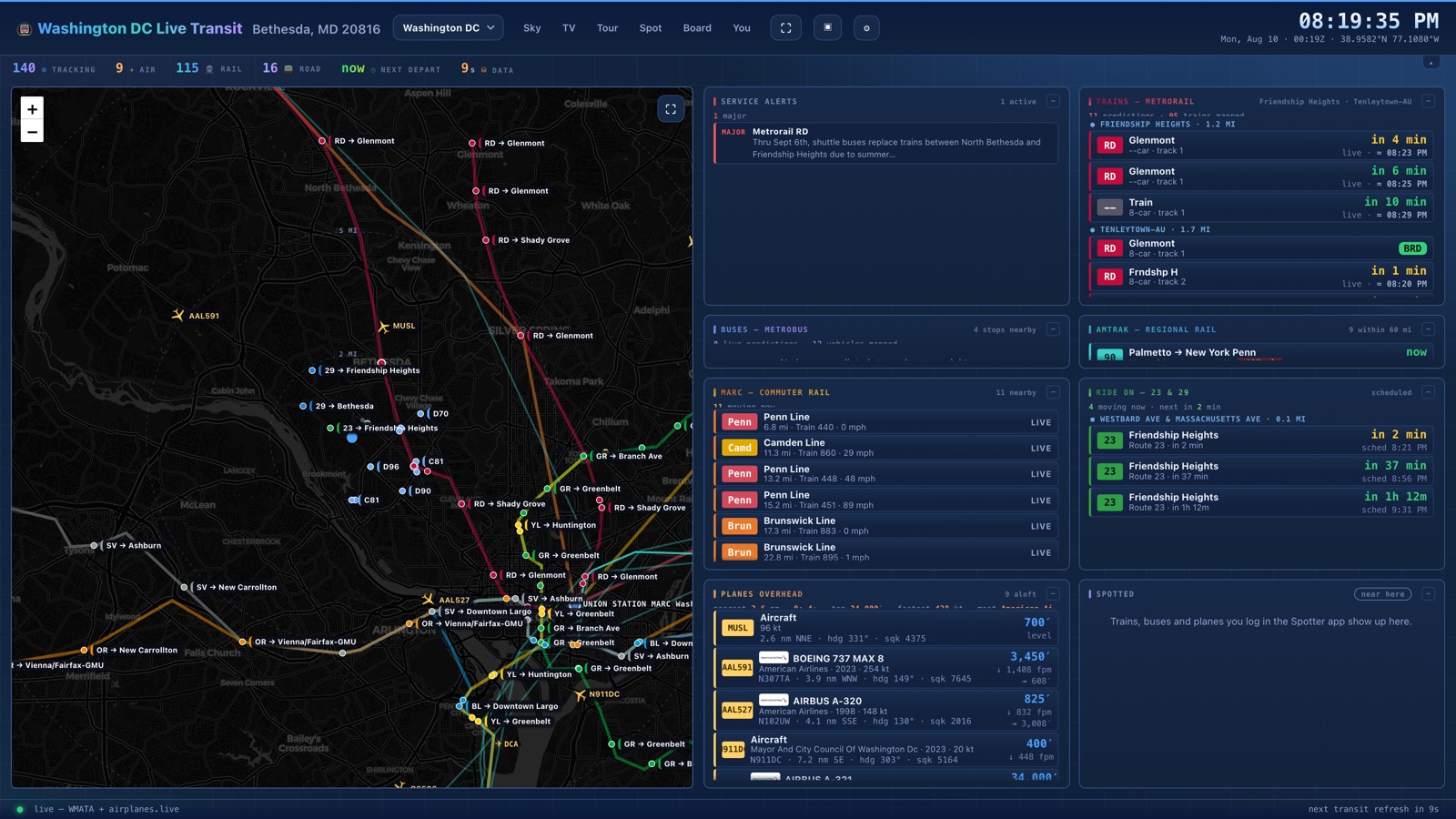
The Washington DC board: a live map covered in labelled Metro trains, buses and
              aircraft, beside cards showing Metrorail predictions, Amtrak services running
              between 11 and 107 minutes late, MARC commuter trains and planes overhead.
The Washington board on a normal evening — 142 vehicles tracked, 10 aircraft overhead, and every delay coloured by how late it actually is.

What it looks like

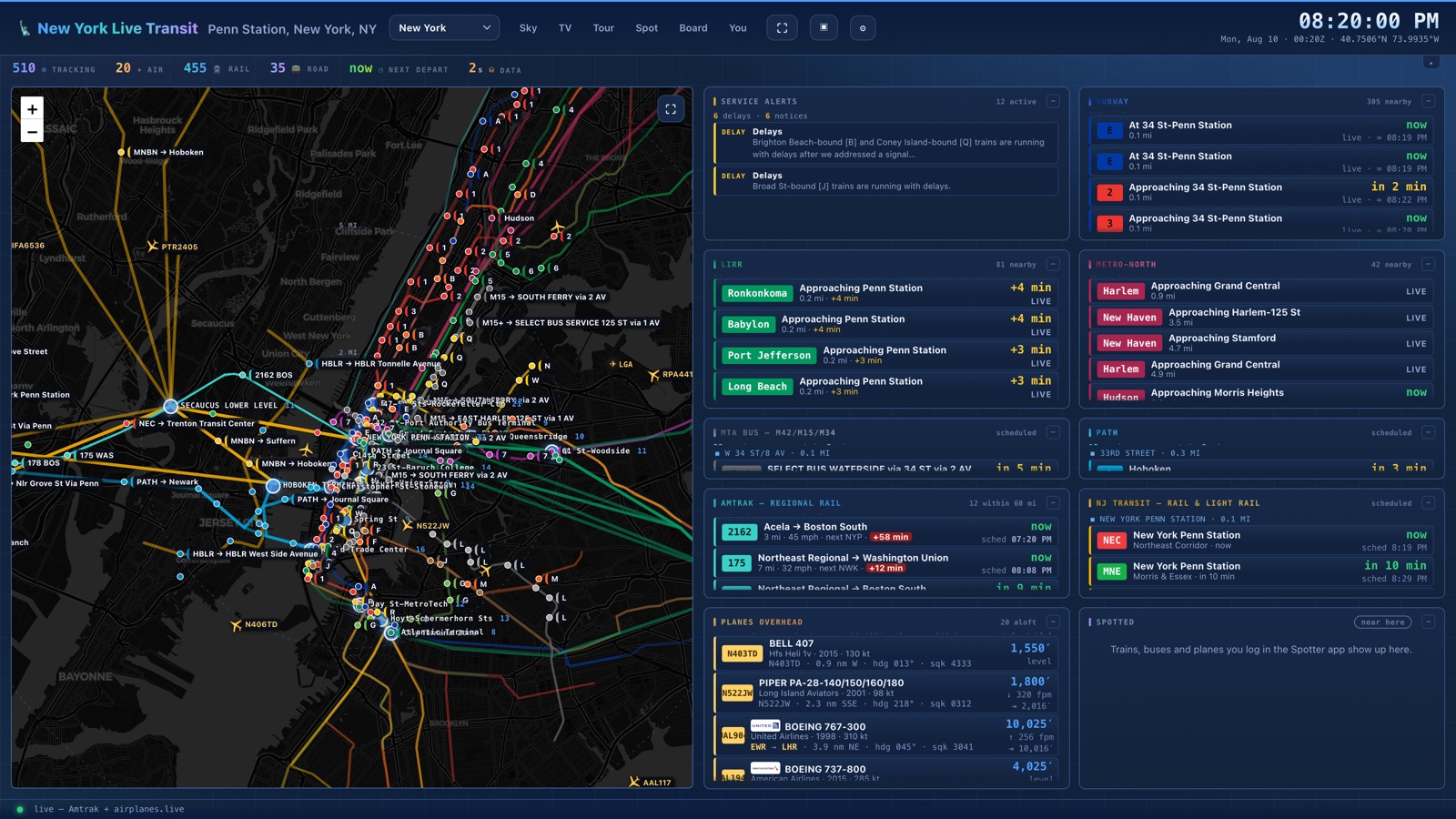
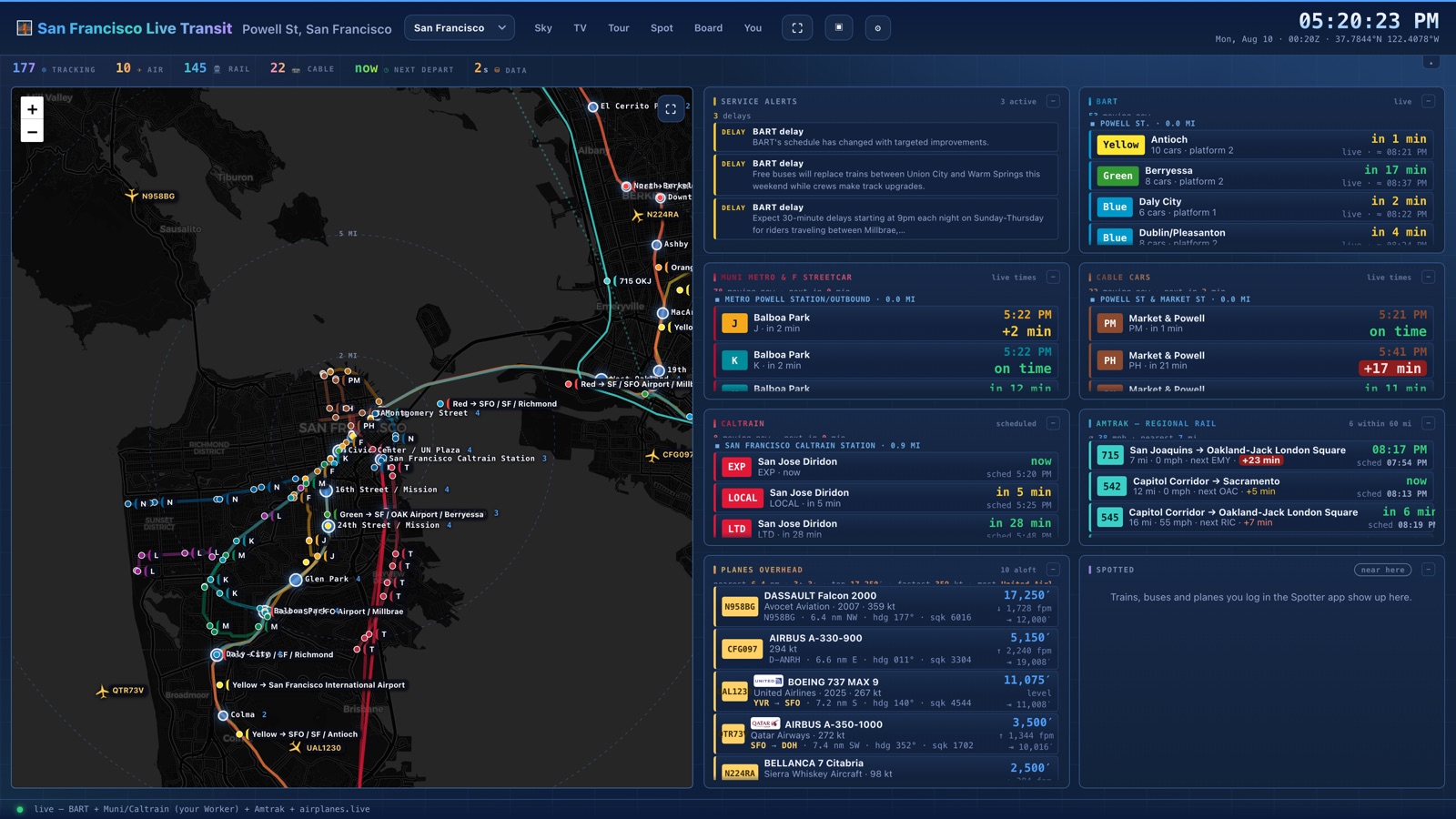
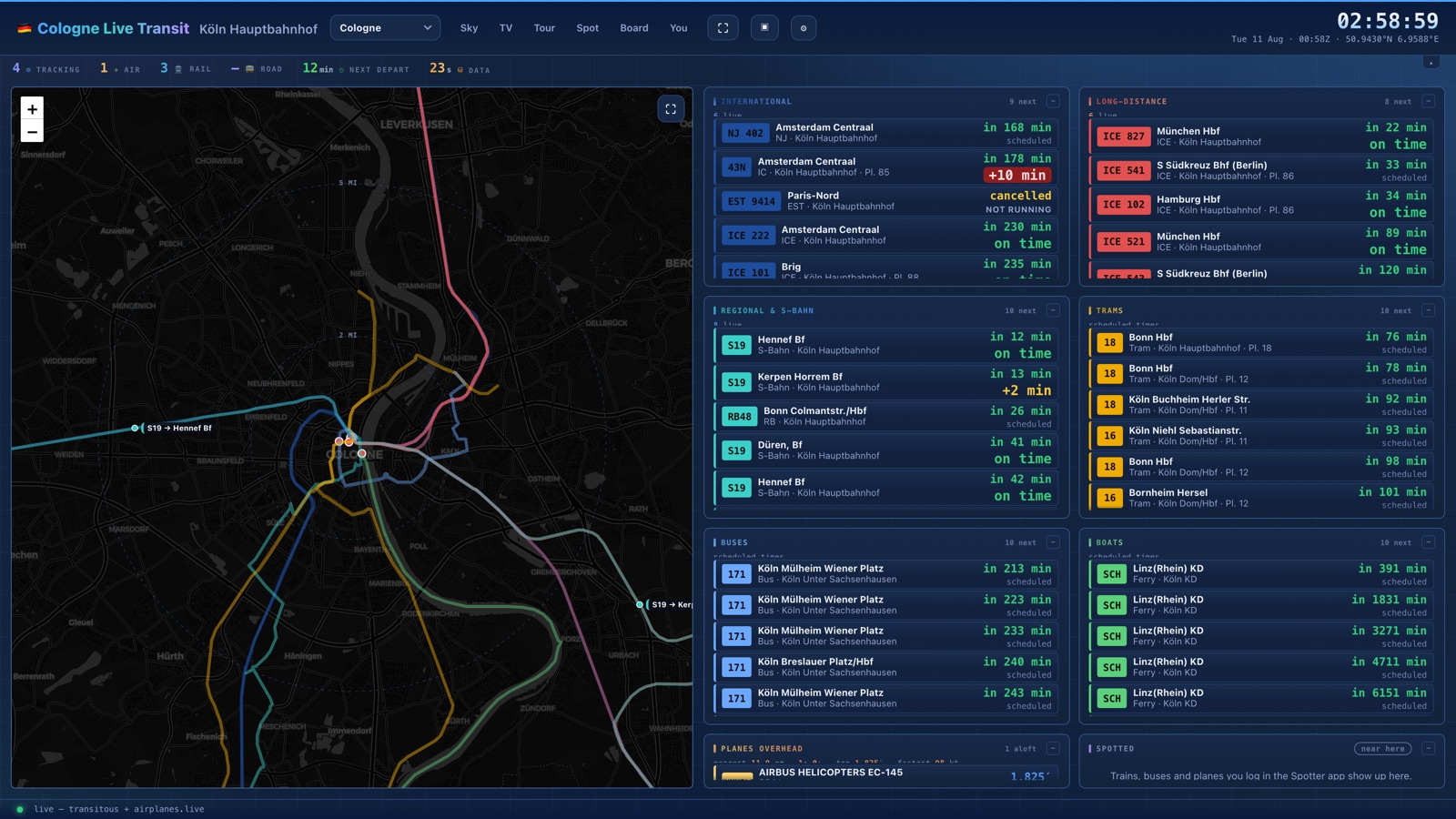
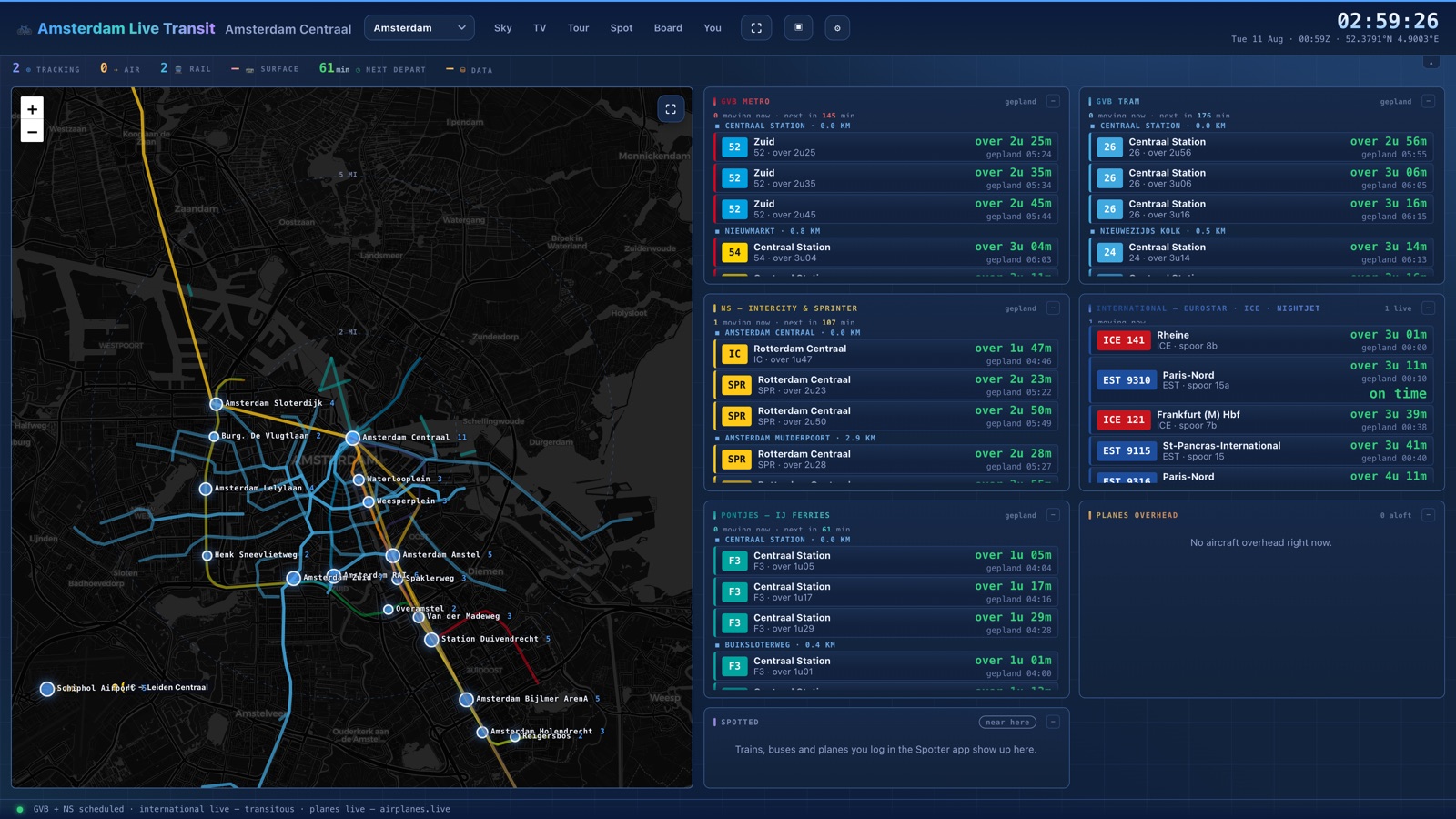
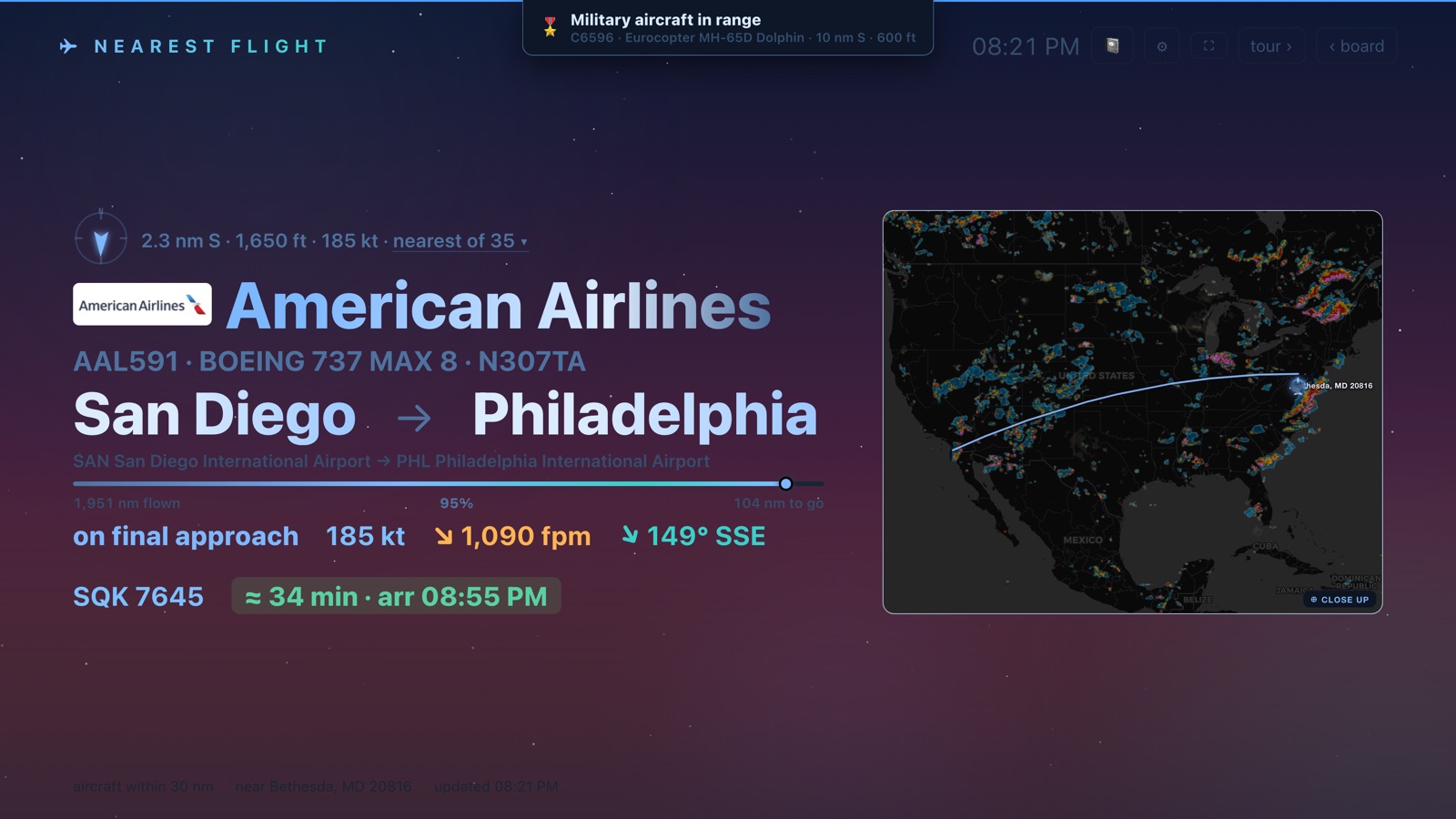
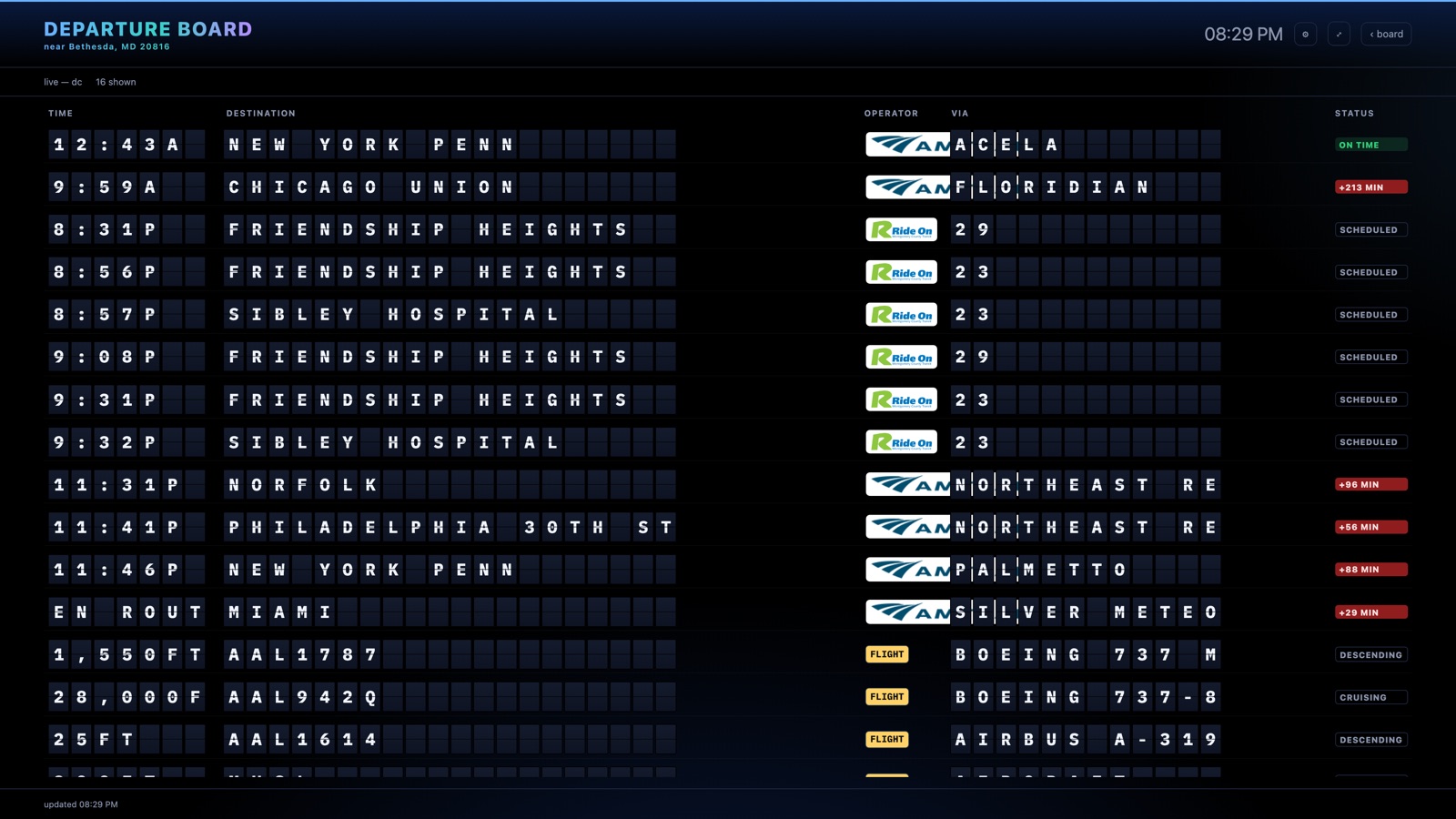
Real captures of the running product, live data and all. Nothing here is a mock-up — the delays, the aircraft and the running times were true at the moment each one was taken.
Cities

Each board is pinned to its own city and keeps its own settings, so they never argue about where "here" is. Open one and it starts working immediately — no key, no sign-up.

Getting started

Three steps, and none of them involve signing up.

1
Pick your city
Tap a card above. It opens straight into a live board — no key, no sign-up, no configuration. What you see is what it does.
2
Tell it where you are
Press in the header, type any address, city or zip, and hit Set. Every card re-centres on you — nearest stations, nearest stops, planes overhead. Each city remembers its own location separately.
3
Put it on the wall
Press F or the ⛶ button for full screen, then bookmark that city's page so the screen opens straight to the board. On a tablet or TV, add it to the home screen and leave it running.

More than one screen

The same live data, shown four other ways.

Pricing

Every board above is fully usable right now. A license removes the evaluation notice, forever, on up to five devices.

Transit Project license
  • All city boards, plus every future city
  • Live map with moving trains, buses and aircraft
  • Sky view, Grand Tour, split-flap board and the Spotter app
  • Any location — type any address; planes and Amtrak work anywhere in the US
  • Runs in any browser, on hardware you already own
$19one-time · up to 5 devices
Get a license
Already bought? Activate a key

Questions

The ones worth answering before you spend anything.

Do I need an account, or an API key?
No. Open a board and it works — every city ships with its timetables bundled in, and the live feeds it uses need no key. There is an optional sign-in, and it does exactly one thing: carries your Spotter log between your own devices. No board, view or feature depends on it.
Is there a server? Will it stop working one day?
There is no backend. The whole thing runs in your browser and talks directly to the transit agencies' own public feeds, so there is no subscription to lapse and no server of mine to go down. If your browser and the agency's feed are both up, your board is up.
My city isn't on the list. Is it useless to me?
Not entirely, but be realistic about it. Planes overhead and Amtrak work anywhere in the US — type your address and they follow you. Local trains and buses do not: each city board is built against that agency's own feeds and timetables, so a city with no board has no local transit. If you want yours added, ask.
What happens when the internet drops?
Scheduled times keep working — the timetables are bundled into the page, not fetched. Live vehicle positions and arrival predictions stop, because those come from the agencies in real time. The board says which it is showing rather than quietly presenting stale data as current.
What can I run it on?
Anything with a reasonably modern browser: a tablet, a smart TV, a Raspberry Pi, a spare laptop, an old Facebook Portal. It is a web page — there is no app to install and nothing to keep updated.
Where does my location go?
Into your browser's local storage, and to the transit and aircraft APIs when asking what is near you — which is unavoidable, since that is the question. There is no tracking and no analytics on this site, and the address your board is pointed at never leaves your device. One deliberate exception: if you sign in to sync the Spotter, the sightings you chose to log are stored so they reach your other devices — and a sighting records where you saw it. Nothing syncs unless you sign in.
What does the licence actually cover?
One payment of $19, up to five devices, no renewal. It covers every city board including ones added later, the sky view, the split-flap departure board, the Grand Tour and the Spotter app.
Can I try it before paying?
Yes — open any city above and see for yourself.